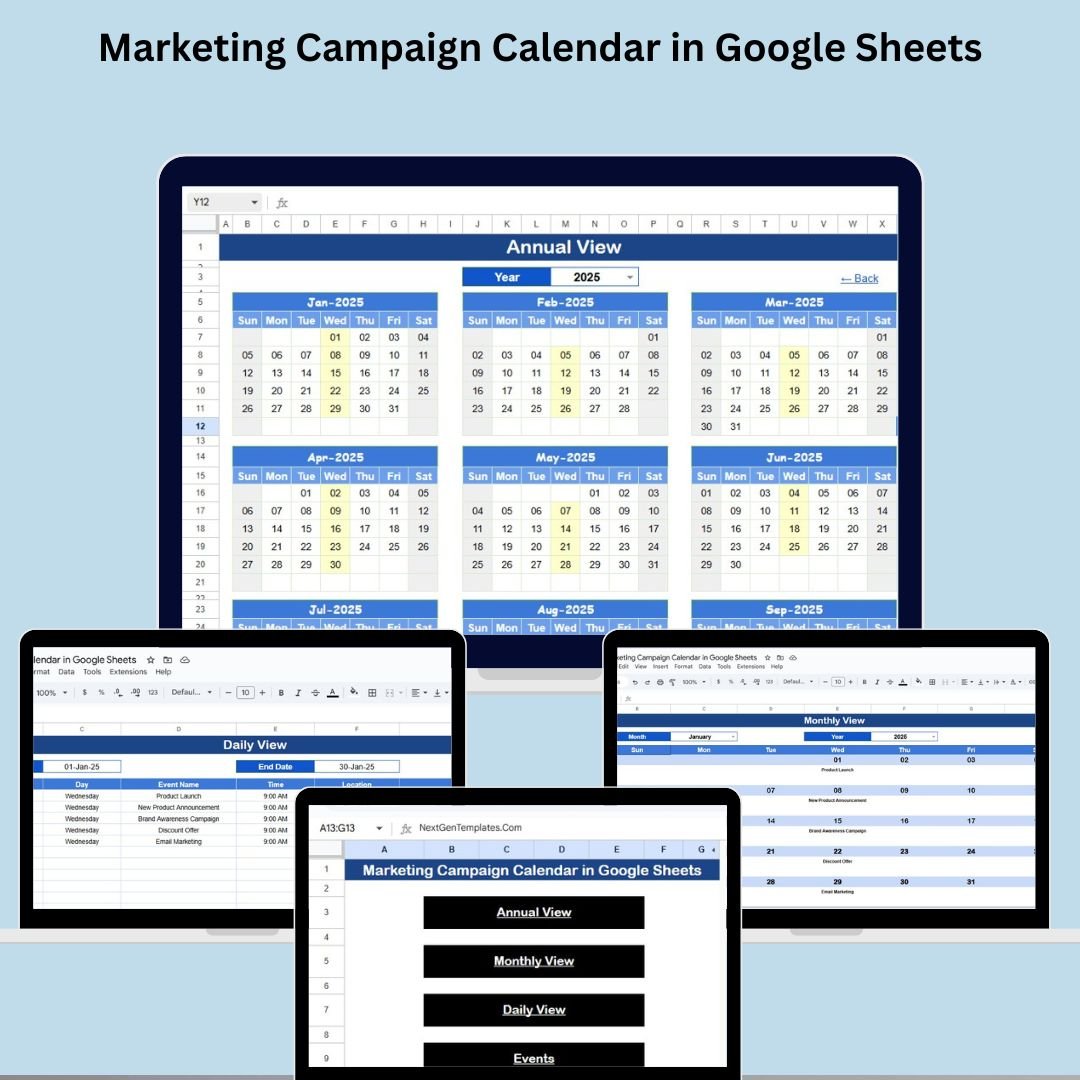
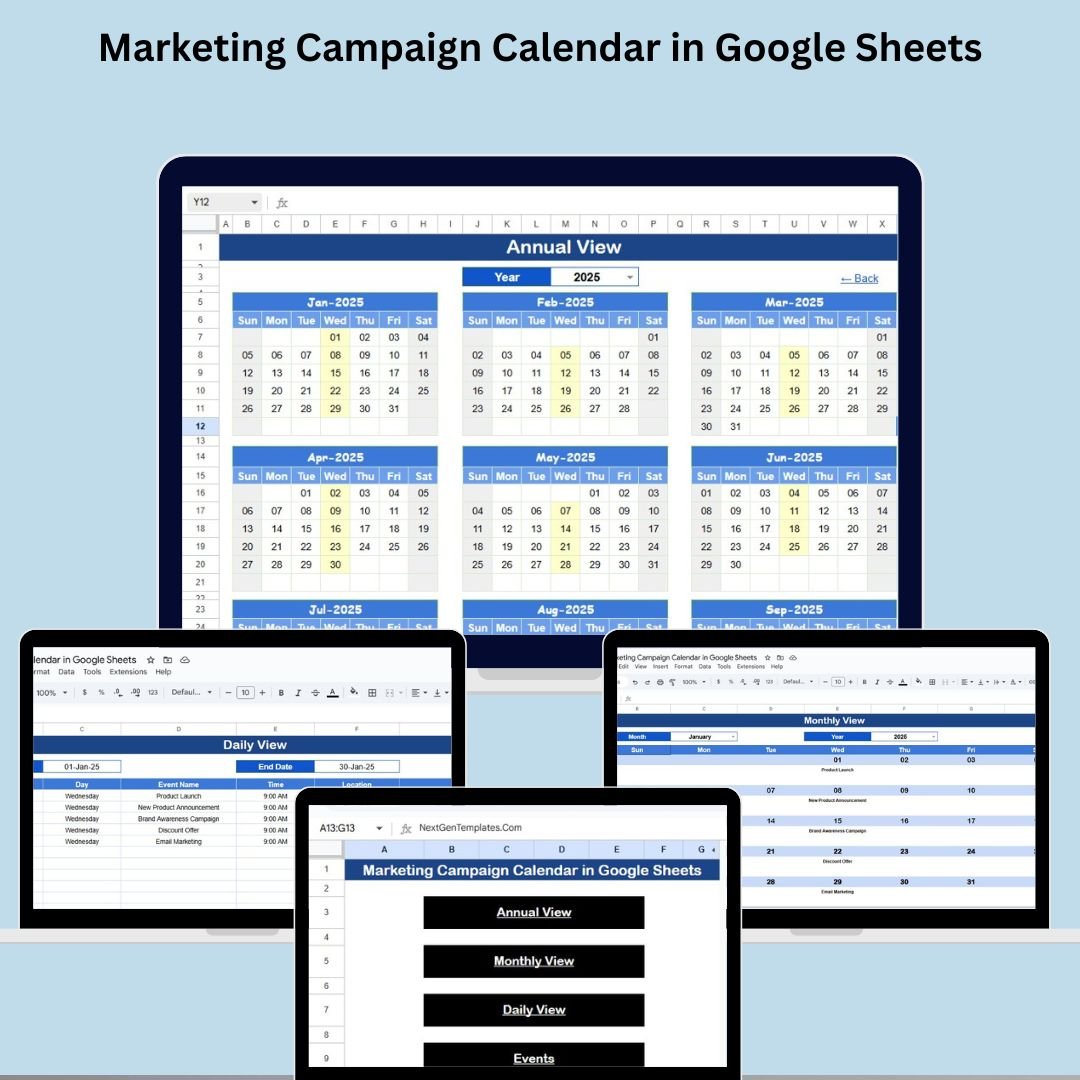
The Marketing Campaign Calendar in Google Sheets is your go-to planning tool to stay organized, consistent, and ahead of deadlines. Whether you’re launching a new product, scheduling social media content, or running seasonal promotions, this all-in-one calendar template helps you visualize every campaign from annual strategy to daily execution. With built-in annual, monthly, and daily views, a detailed event database, and a home page navigator, managing your marketing schedule has never been easier. �� Key Features of the Marketing Campaign Calendar �� Home Sheet Tab – One-Click Navigation �� Navigate to Annual View, Monthly View, Daily View, or Events sheet �� Centralized dashboard for efficient access �� Annual View Sheet Tab – Yearly Snapshot �� Select year from dropdown �� Customize start month and week start day �� View marketing events across all 12 months at a glance �� Monthly View Sheet Tab – Month-Level Planning �� Auto-updates based on selected month & year ✅ Single or multiple event indicators �� Great for reviewing detailed monthly workloads �� Daily View Sheet Tab – Focused Daily Insight �� Filter events by start and end date ��️ See all campaign activities for a selected time range ��️ Events Sheet Tab – Master Database Fields include: ID, Date, Day, Event Name, Time, Location, Description ⚙️ Edit once and see real-time changes reflected across all views �� Benefits of Using This Template ✅ All-in-One Marketing Planner – Plan across time scales ✅ Flexible & Customizable – Modify to suit campaign types ✅ Real-Time Sync – Auto-update views with live data ✅ No More Missed Deadlines – Always stay on track ✅ Collaboration-Ready – Shareable in Google Sheets �� Who Should Use It? �� Marketing Managers & Coordinators �� Social Media Teams �� Small Businesses & Agencies ✍️ Content Creators & Brand Teams �� Click here to read the Detailed blog post Watch the step-by-step video Demo: �� Visit our YouTube channel to learn step-by-step video tutorials �� Youtube.com/@NeotechNavigators


 Import UK
 Import Germany
 Import UK
 Import UK