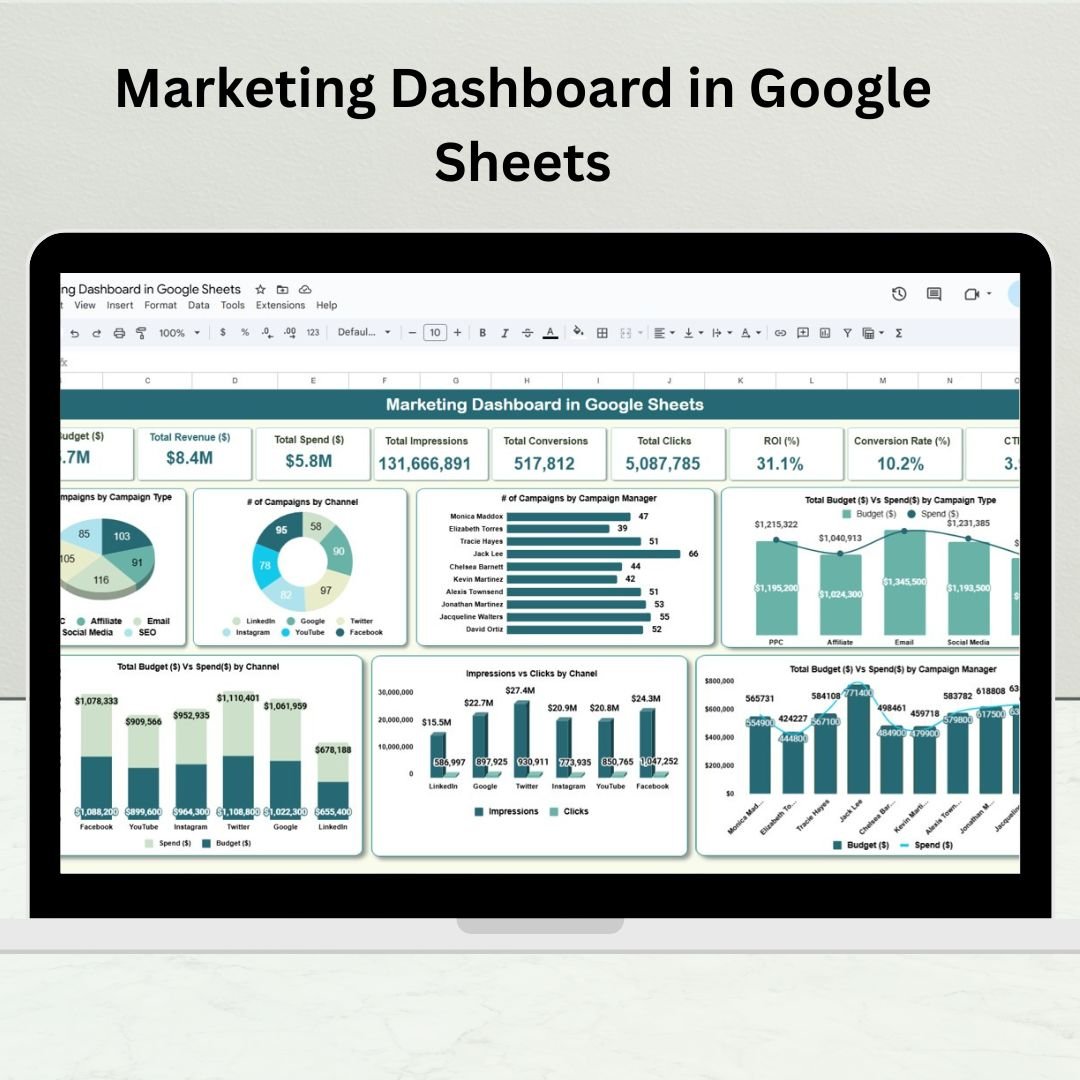
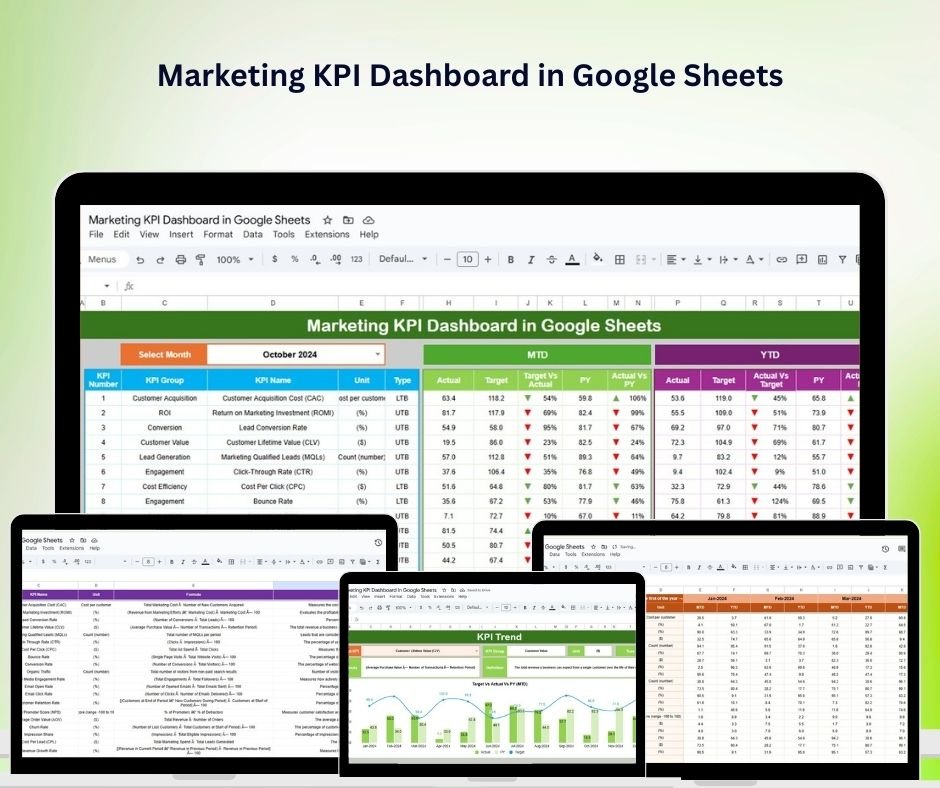
Tired of scattered data and delayed reports? The Marketing Dashboard in Google Sheets is your all-in-one solution to track, visualize, and improve your marketing performance. Whether you’re managing paid campaigns, SEO, content, or email marketing, this ready-to-use dashboard delivers real-time insights that empower you to make data-driven decisions—no special software or coding required! ⚙️ Key Features of the Marketing Dashboard in Google Sheets �� Dashboard Overview SheetGet a quick view of your marketing health with: �� Total Campaigns �� Average Cost per Lead (CPL) �� Total Leads Generated �� Conversion Rate (%) ⭐ Campaign ROI Score Visual charts include: �� Leads by Campaign Type �� Campaign Performance by Status (Active, Paused, Completed) �� Conversions by Channel (Google Ads, Facebook, Email, etc.) �� Monthly Trend: Leads vs Conversions �� ROI Trend by Campaign �� Channel Analysis TabBreak down campaign success across marketing channels: ROI, CPL, Conversions, and Lead Quality by Channel Identify your top-performing platforms �� Performance by Campaign PrioritySee how campaigns with different priority levels are performing: Avg. Conversion Rate by Priority Campaign Volume and ROI by Priority Completion Status: Active vs Completed by Priority ���� Marketer Performance TabTrack how each team member or agency is performing: Campaigns Managed Leads Generated Conversion Rate by Marketer Average ROI by Manager �� Location-Based Insights TabDiscover which regions deliver the best results: Leads and Conversions by Location ROI and CPL trends per region Heatmap of campaign engagement �� Data Entry SheetAdd all your raw campaign data: Campaign Name, Channel, Budget, Spend, Leads, Conversions, Status, Assigned Marketer, Priority, Start/End Dates Dashboard visuals update automatically! �� What’s Inside the Marketing Dashboard You’ll receive a fully linked Google Sheet with the following tabs: Dashboard Overview – Real-time KPIs and campaign performance Channel Analysis – Visual breakdown by digital channel Campaign Priority View – Monitor high, medium, low priorities Marketer Insights – Track individual performance Location Reports – Regional and geo-targeted insights Raw Data Sheet – Input source for all visualizations �� All charts are auto-calculated using formulas and Google Sheets’ powerful built-in tools. �� How to Use the Marketing Dashboard ��️ Step 1: Input campaign data into the Data Sheet�� Step 2: Watch metrics auto-calculate across all tabs�� Step 3: Filter by status, priority, or date to drill down�� Step 4: Share live links with stakeholders or export as PDF⚙️ Step 5: Customize charts or fields to fit your marketing needs It’s as easy as plug, update, and analyze—no macros or complex scripts needed! �� Who Can Benefit from This Dashboard? �� Marketing Managers – Track all campaigns from a single sheet�� Performance Marketers – Optimize ad spend and ROI�� Digital Agencies – Create branded reports for clients���� Freelancers & Solo Marketers – Stay organized and scale operations�� Startup Founders – Get instant visibility into lead performance and spend ✅ Why Choose This Google Sheets Marketing Dashboard? ✅ 100% cloud-based & accessible from anywhere✅ Built-in charts, KPIs, filters, and formulas✅ Completely customizable—no lock-ins✅ Instant insights from live campaign data✅ Shareable with teams, clients, and C-levels✅ No software subscription or coding required From tracking ROI to comparing campaign effectiveness, this dashboard gives you control, clarity, and confidence in your marketing decisions. �� Click here to read the Detailed blog post Click here to read the Detailed blog post �� Visit our YouTube channel to learn step-by-step video tutorials Youtube.com/@PKAnExcelExpert


 Import UK
 Import Germany
 Import UK
 Import UK